For Membership Directors and Grand Knights
Membership and Recruitment Tracker
A prospect pipeline with next steps and due dates, a new member onboarding checklist, a recruiting events log, and a dashboard that shows where every name stands.
What do I get?
- Start Here tab with setup steps, your membership goal, and a privacy note (this file holds personal information once you use it; keep it with the officers and never paste it into an AI tool)
- Prospects tab: 300 rows with source, status, next step, next step date, owner, and an overdue flag
- New Members tab: 100 rows with a five step onboarding checklist and a percent complete
- Events tab: church drives, open houses, and other recruiting events with attendance and prospects captured
- Dashboard: prospects by status and source, conversion rate, overdue follow ups, onboarding progress, and goal progress
- Two files: a blank workbook and a sample filled with fake names
Formats: Excel (.xlsx), Google Sheets
How long will it take to set up?
About 15 minutes to enter your council name, membership count, and goal.
Why does this matter?
A man shows interest at the fish fry, nobody follows up, and he never comes back. Prospects slip away between meetings because no one owns the list. A simple pipeline keeps every name moving, so the council grows on purpose instead of by luck.
A look inside
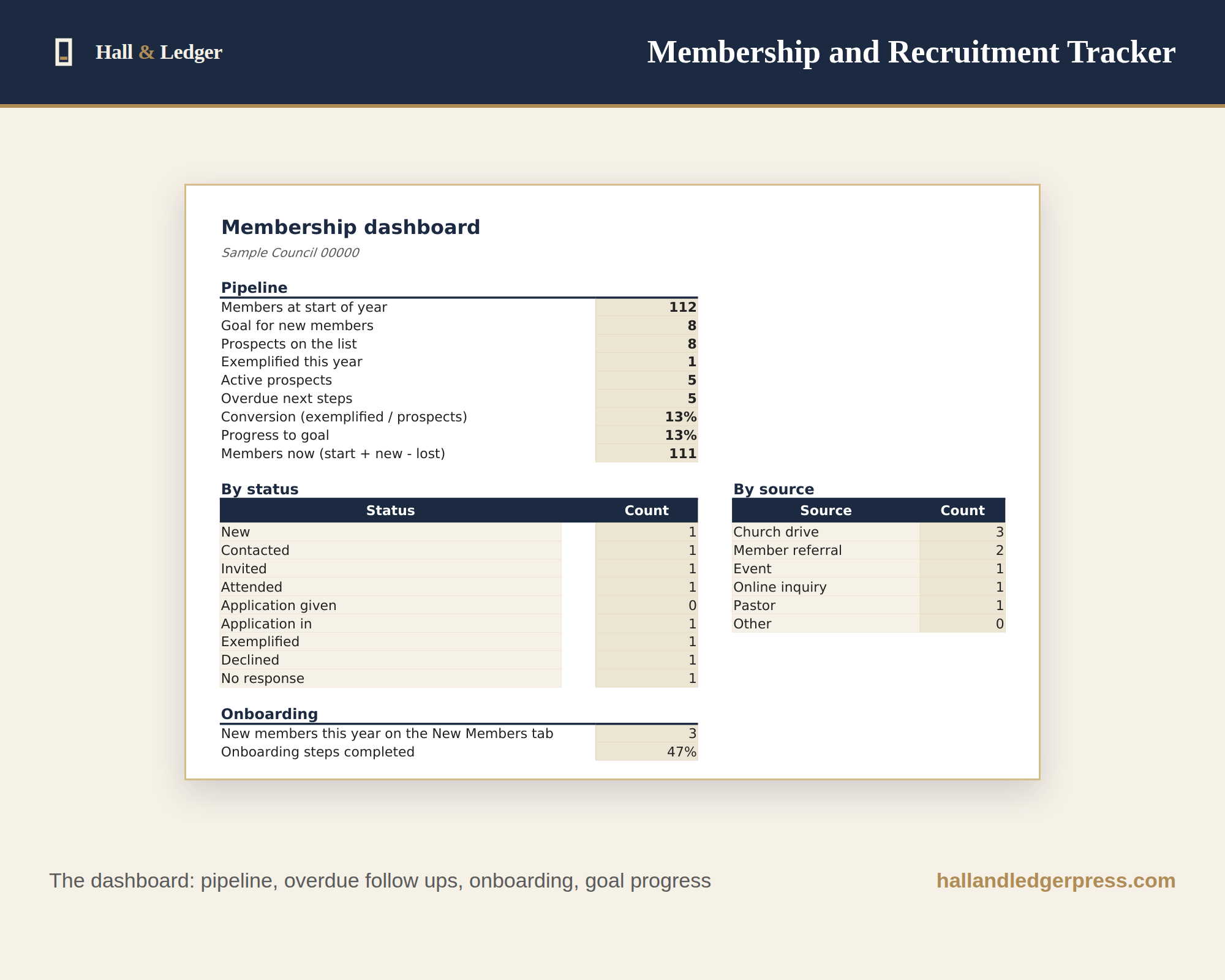
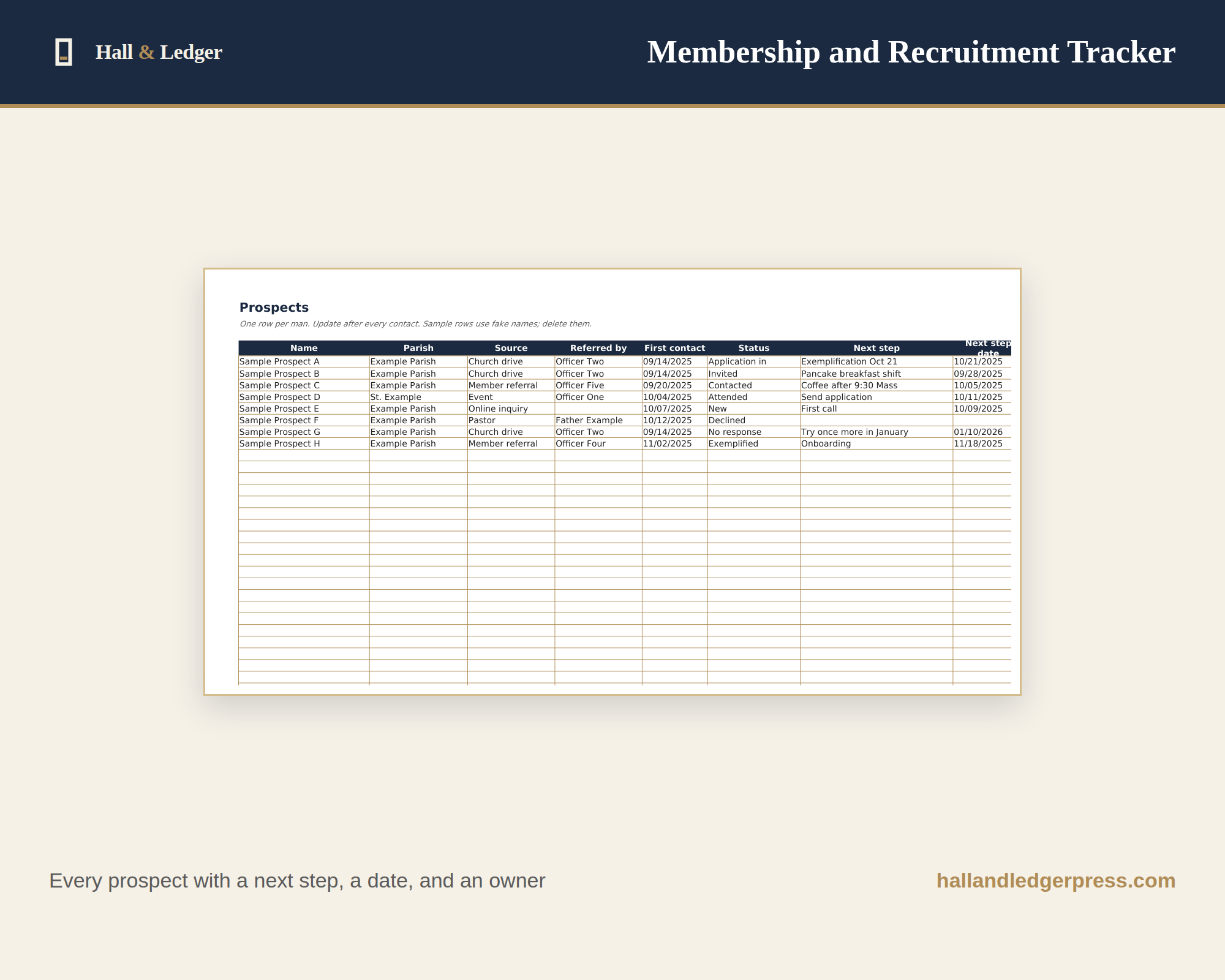
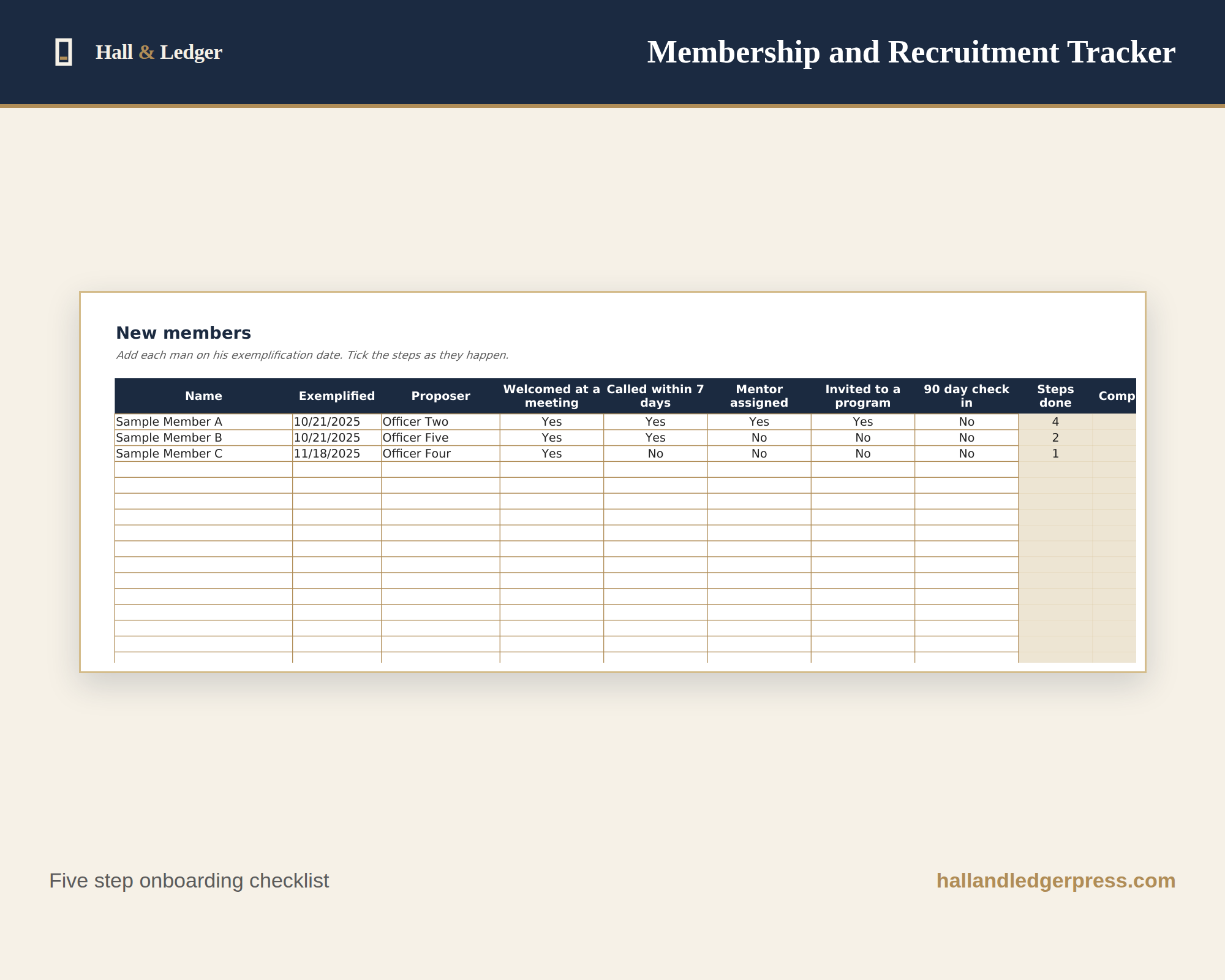
Previews show sample data. Every name, number, and date is made up.
Hall & Ledger is an independent publisher and is not affiliated with or endorsed by the Knights of Columbus.